press-id-badge
Safari Browser Extension
For MacOSX-ONLY
Difference with Safari Extension The Safari extension does not provide and upload of the private key. Instead open the private_key.pem in a text editor and copy the contents to the Private Key field in the signing dialog popup.
Converting Chrome
Converting Chrome extension to Safari
cd src/safari
xcrun safari-web-extension-converter ../chrome
Xcode Project Location: ./press-id-badge/src/safari
App Name: Press ID Badge
App Bundle Identifier: com.yourCompany.Press-ID-Badge
Platform: All
Language: Swift
Warning: Unable to add icons to created project:
Error Domain=SafariWebExtensionConverterErrorDomain Code=-1 "manifest.json is missing icons" UserInfo={NSLocalizedDescription=manifest.json is missing icons}
Warning: Unable to add a large icon image to created project:
Error Domain=SafariWebExtensionConverterErrorDomain Code=-1 "manifest.json is missing a large icon size" UserInfo={NSLocalizedDescription=manifest.json is missing a large icon size}
from XCode,
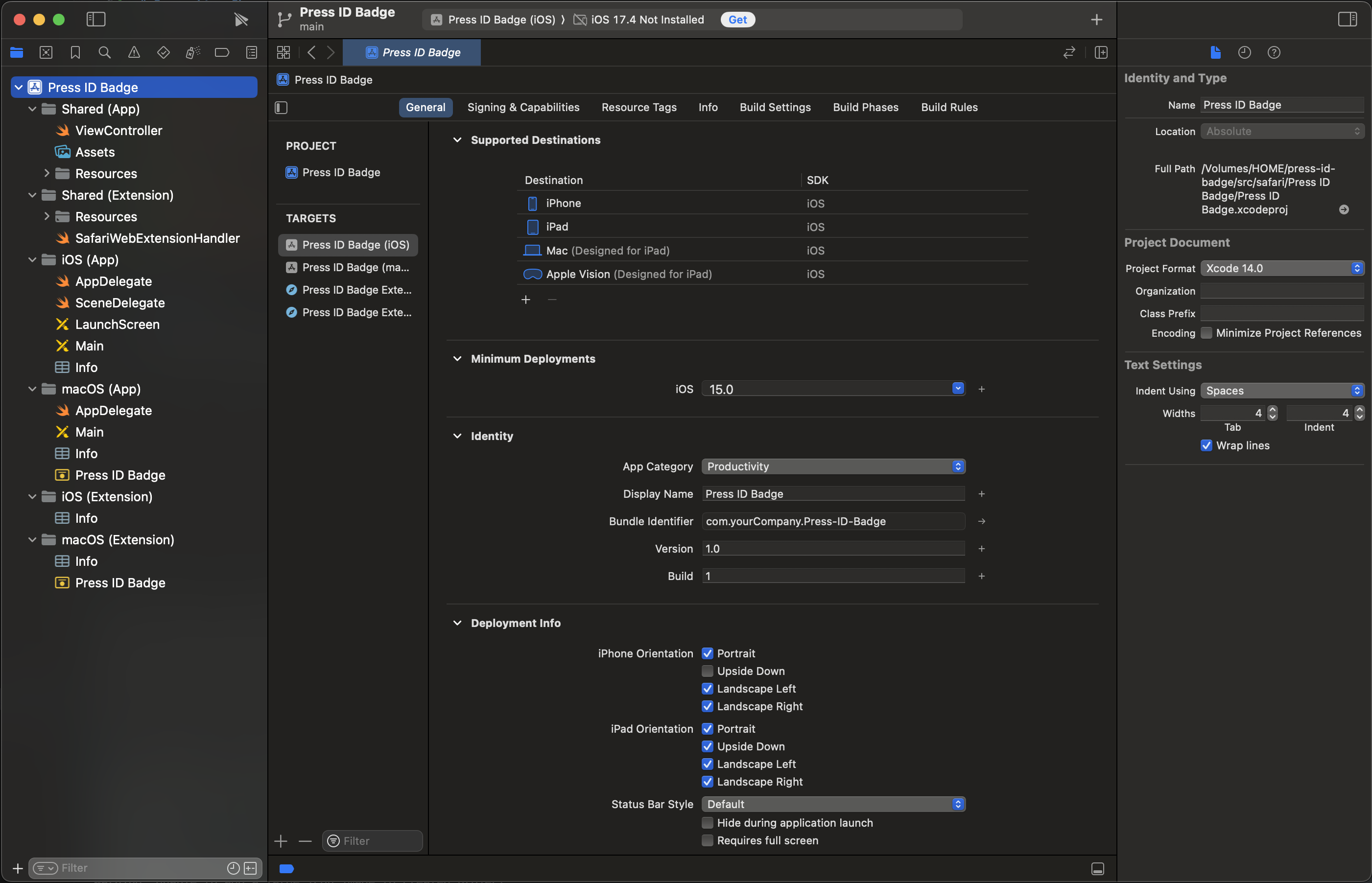
set the caregory to Productivity.
launch safaru and navigate to safari -> settings -> advancedm and check Show features for web develoeprs
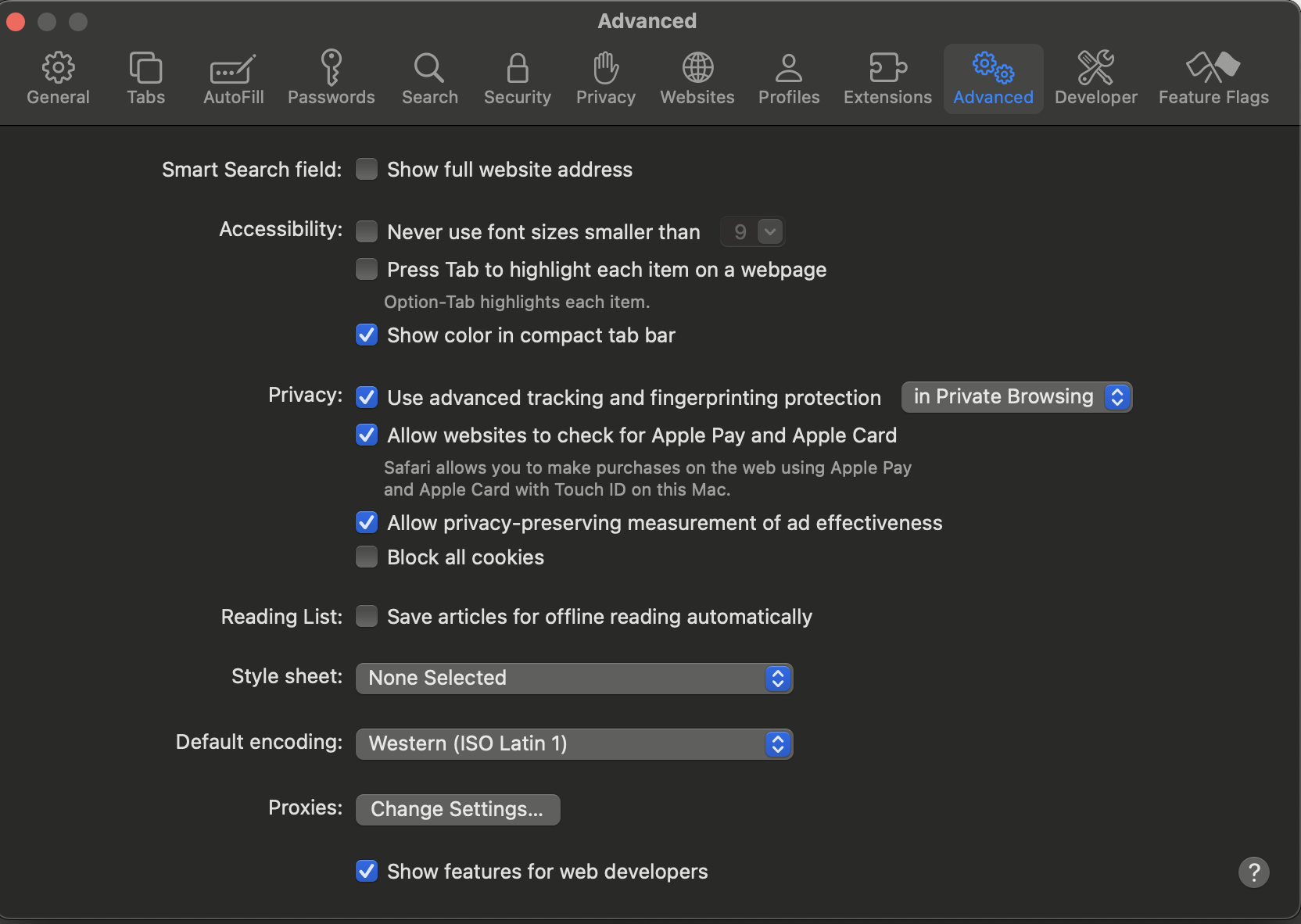
then switch to the Developer tab, and check Allow unassigned extensions
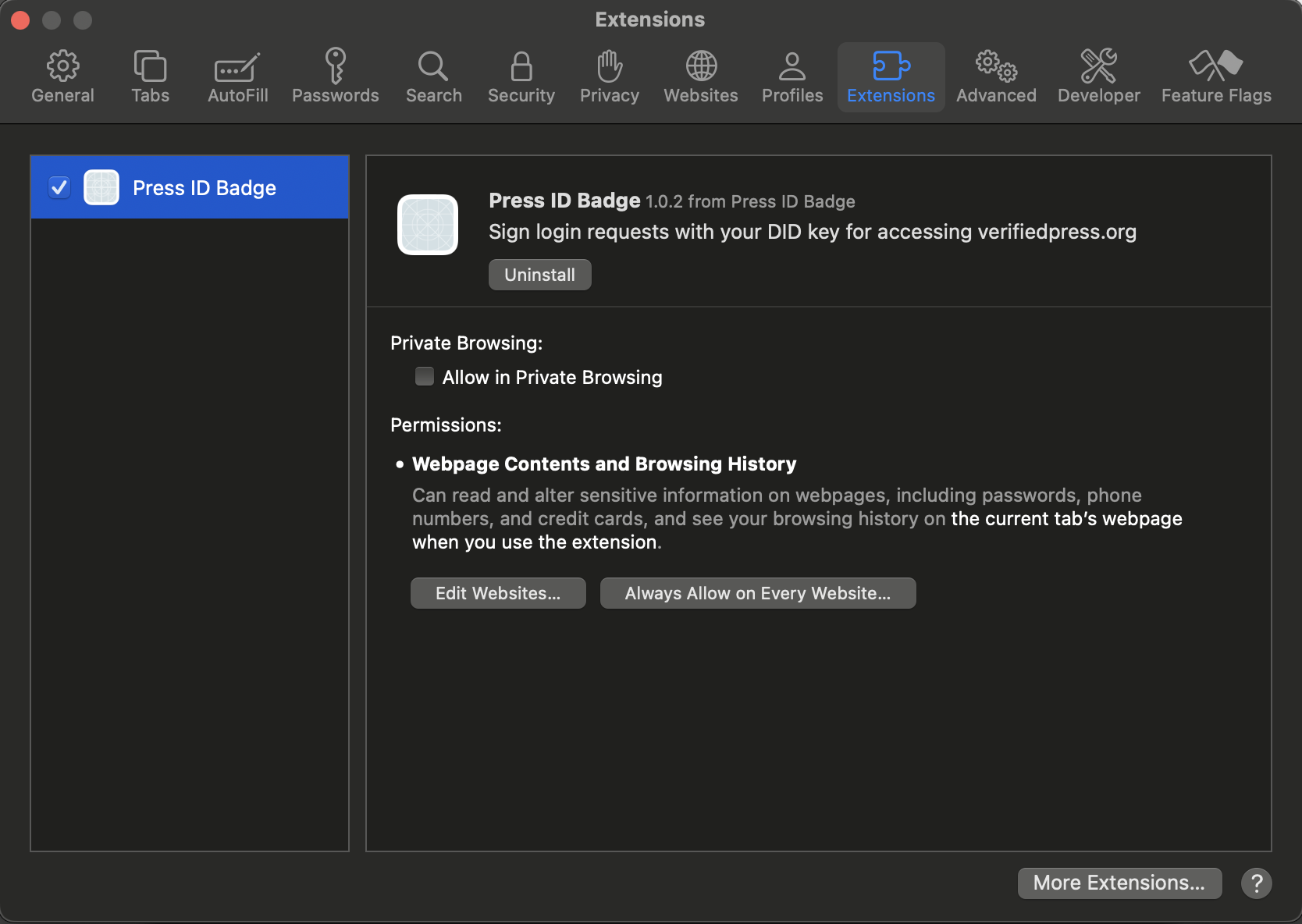
change to the extension tab and check the Press ID Badge extension to enable
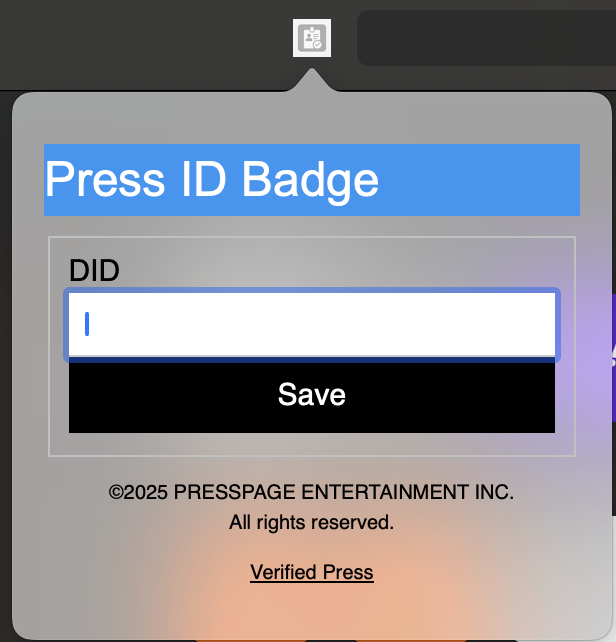
you may need to grant permissions
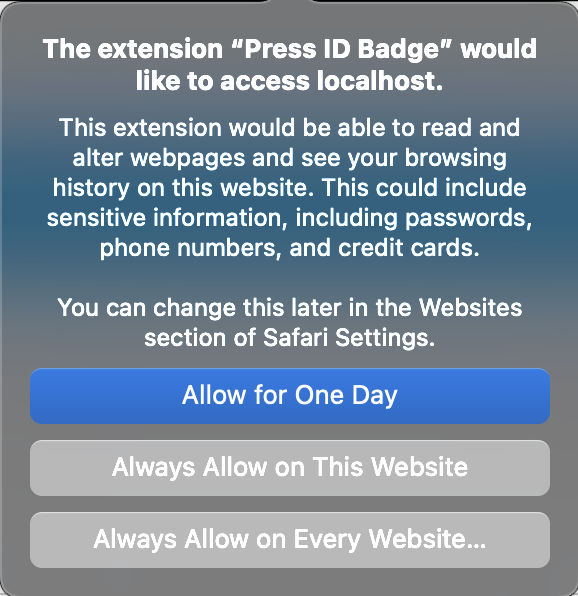
start PHP
cd ../../public
php -S localhost:8082 -t .
then open safari browser to http://localhost:8082
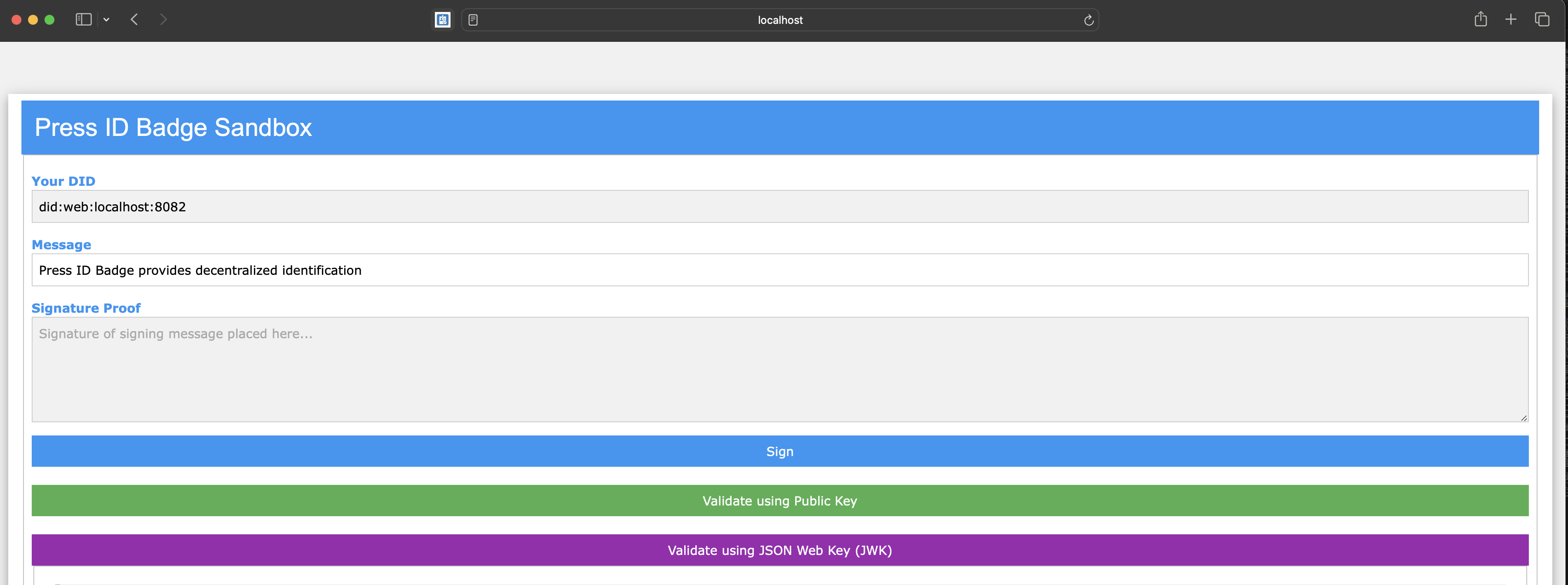
then press Sign to sign the message with the local private key,
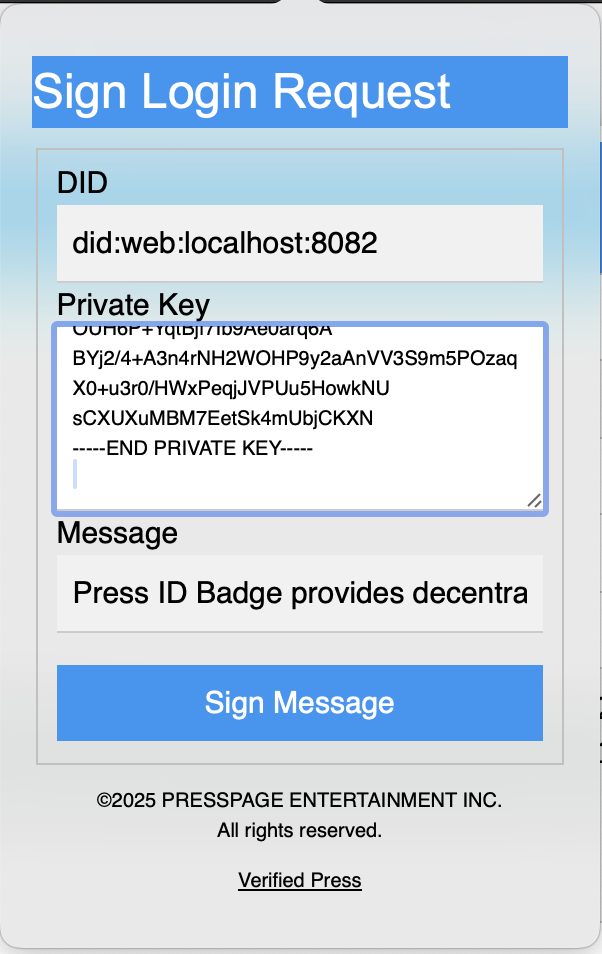
copy and paste the private_key.pem in the Private Key field above and press Sign Message button,
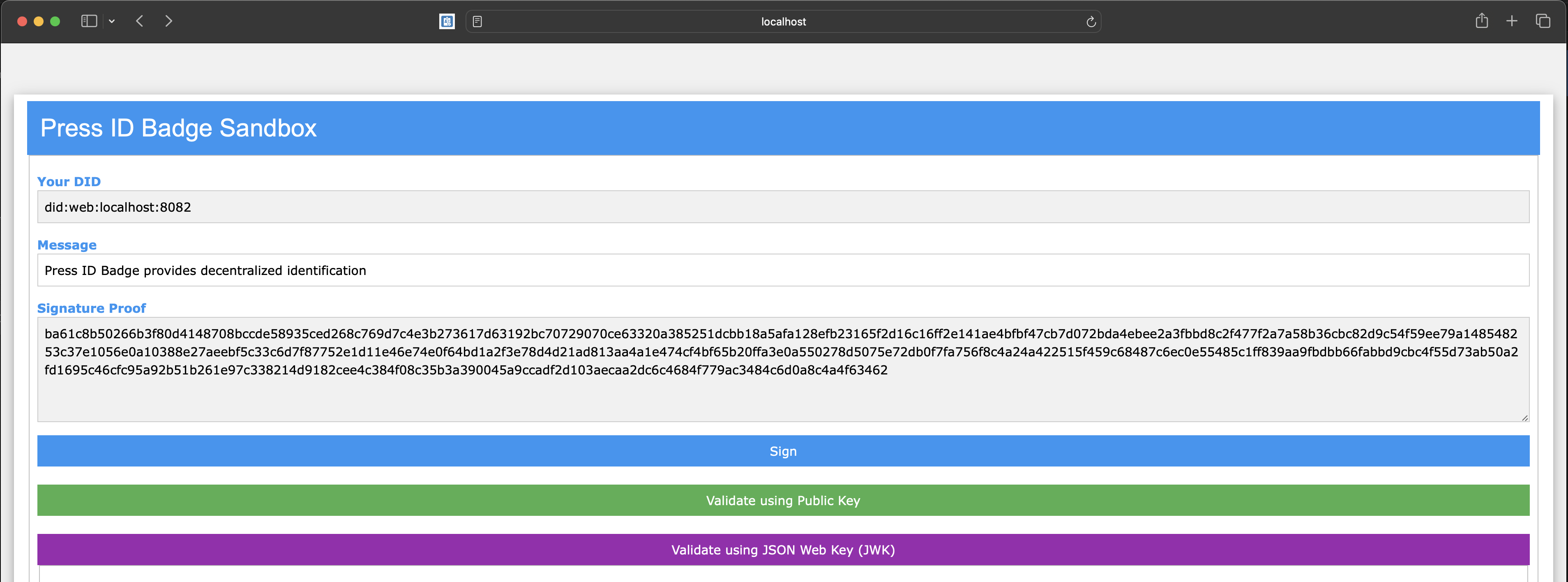
now you can verify with the public_key.pem on github.com,
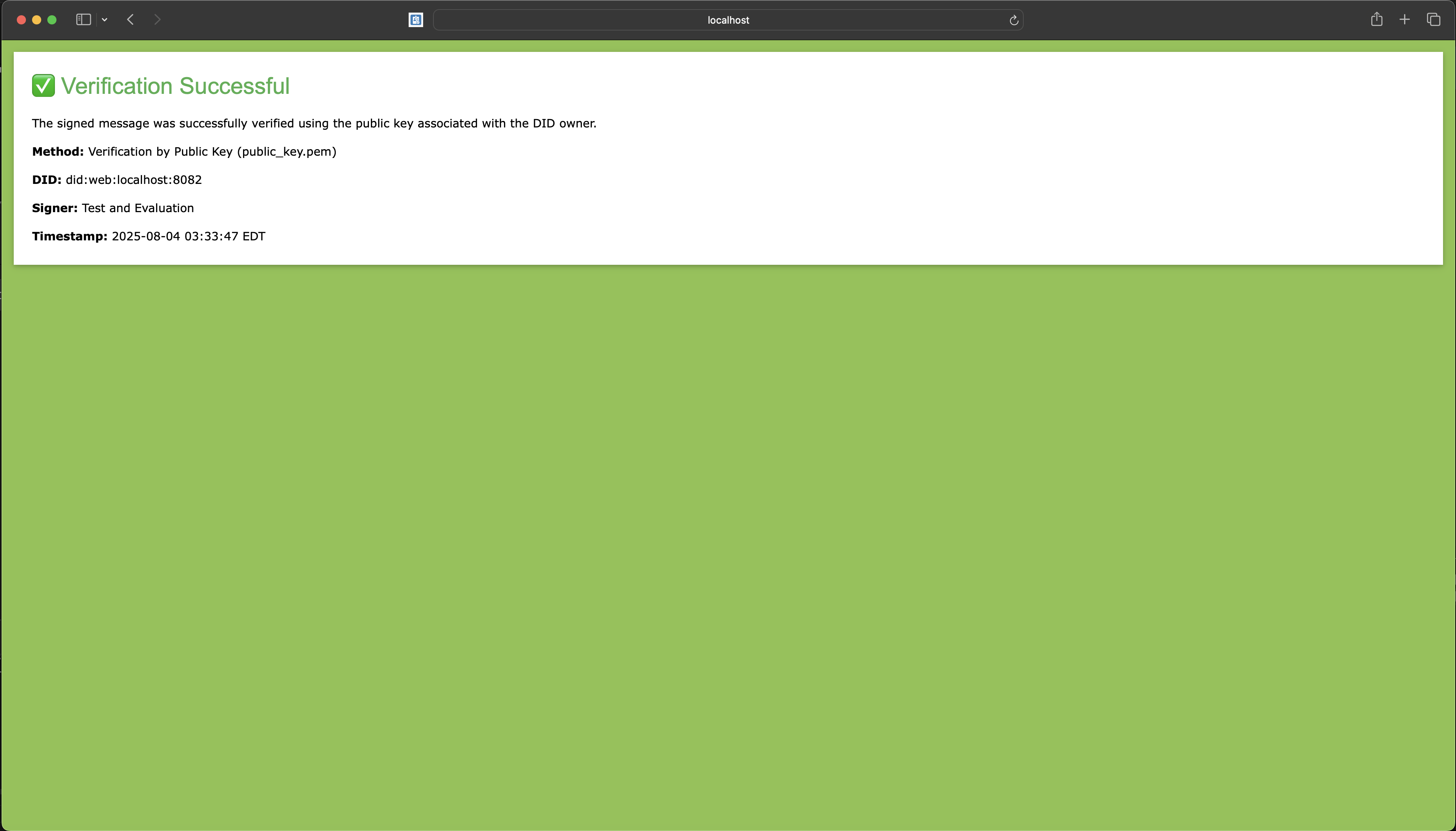
and verify with the JWK,
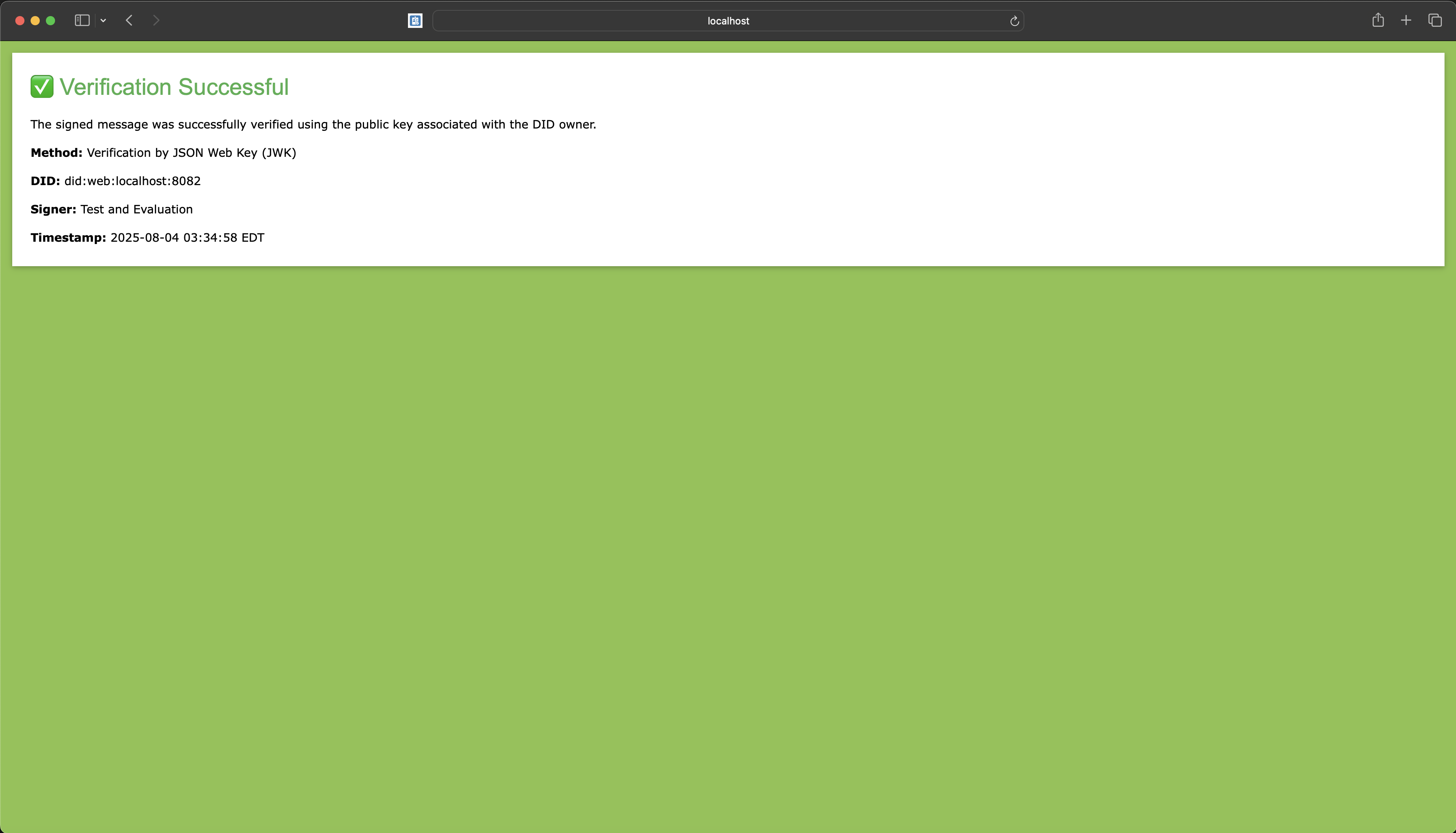
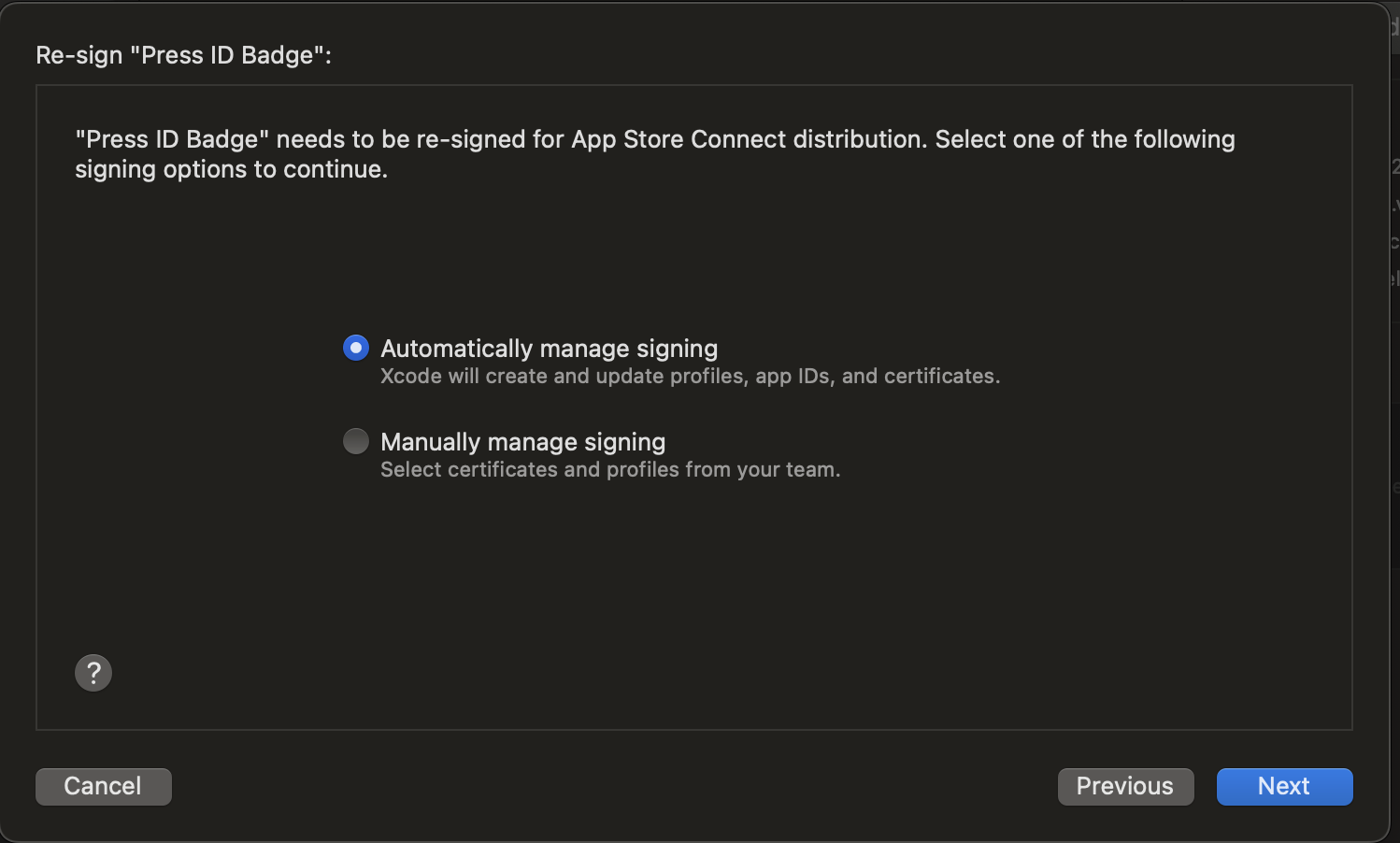
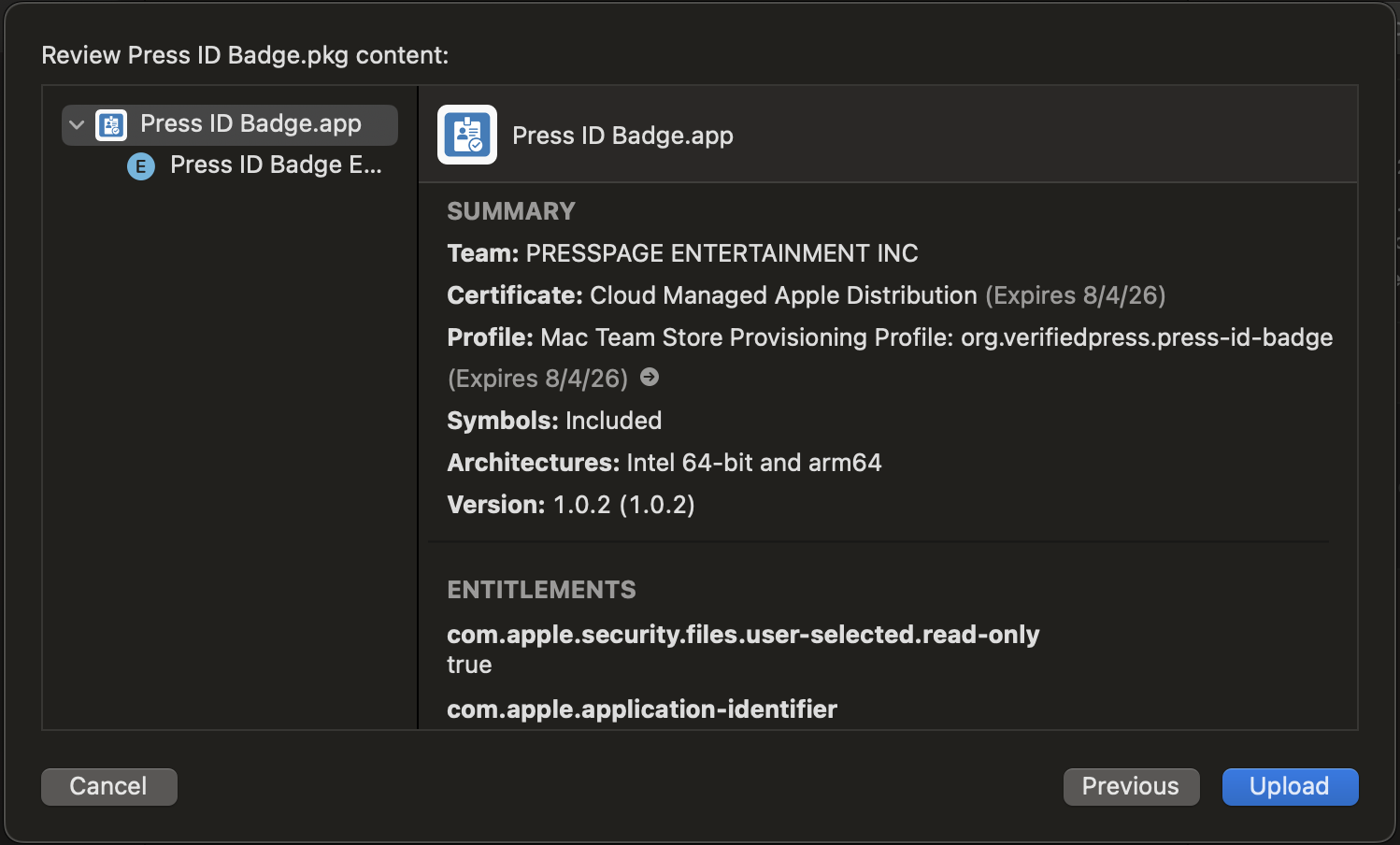
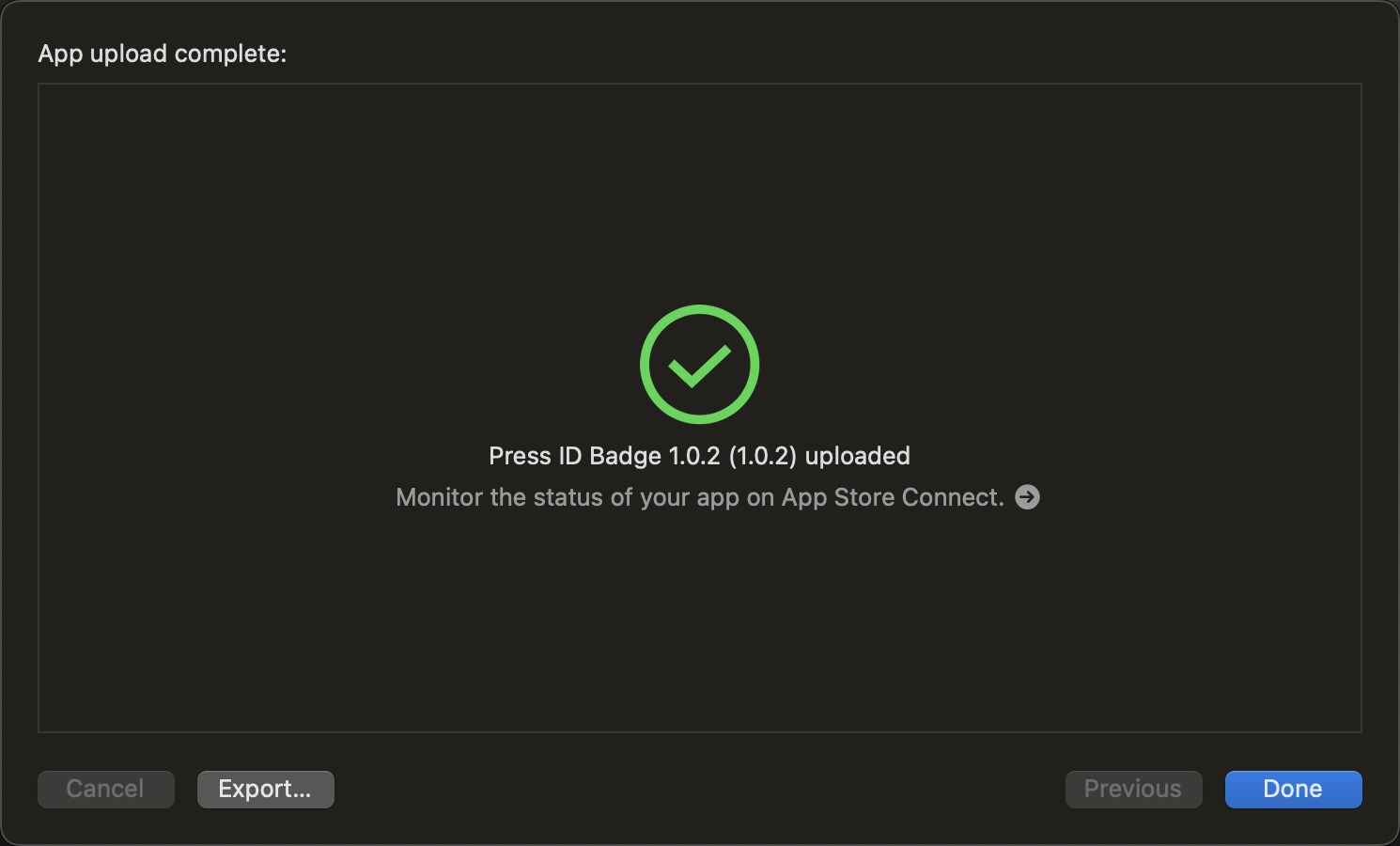
Distribution
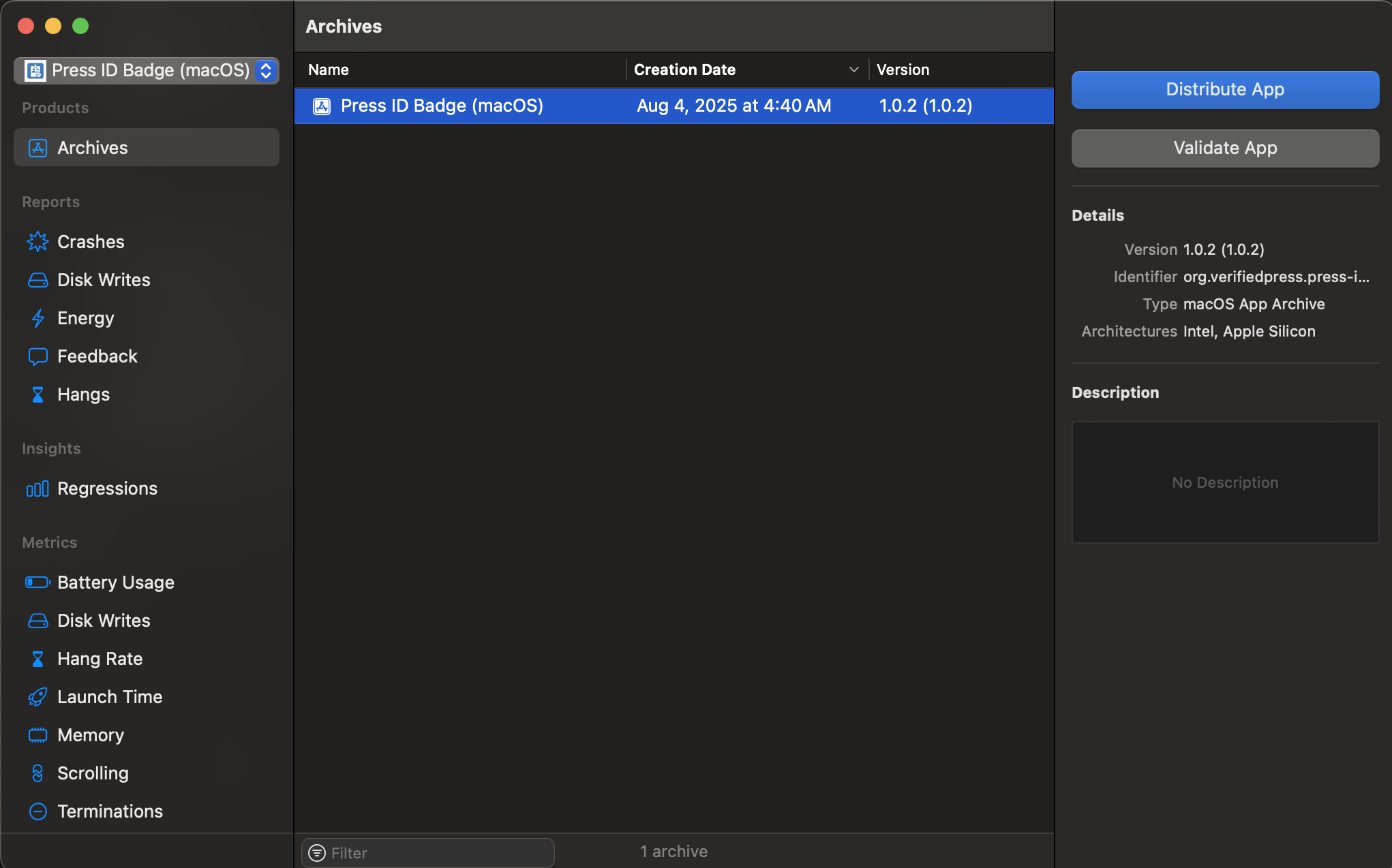
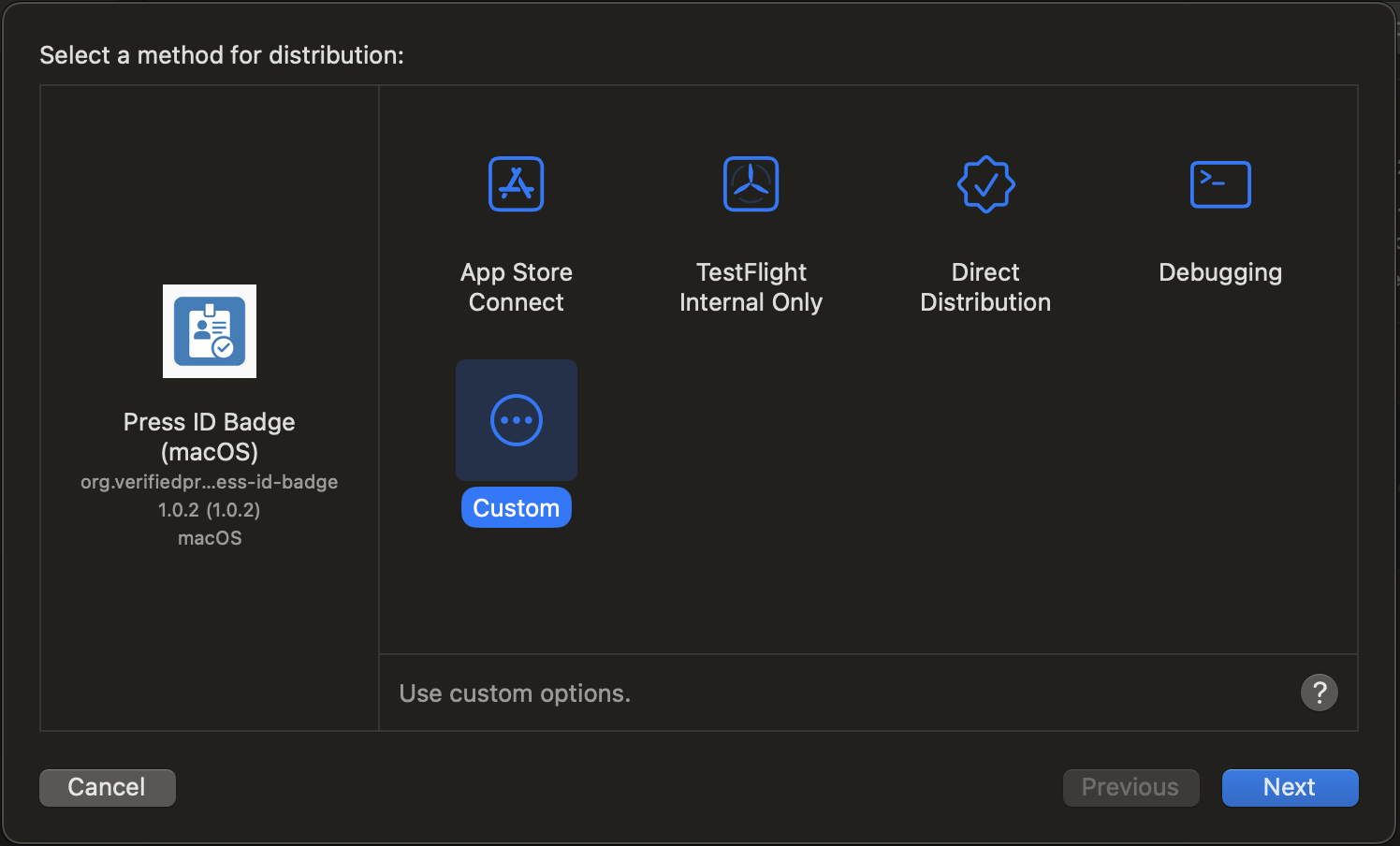
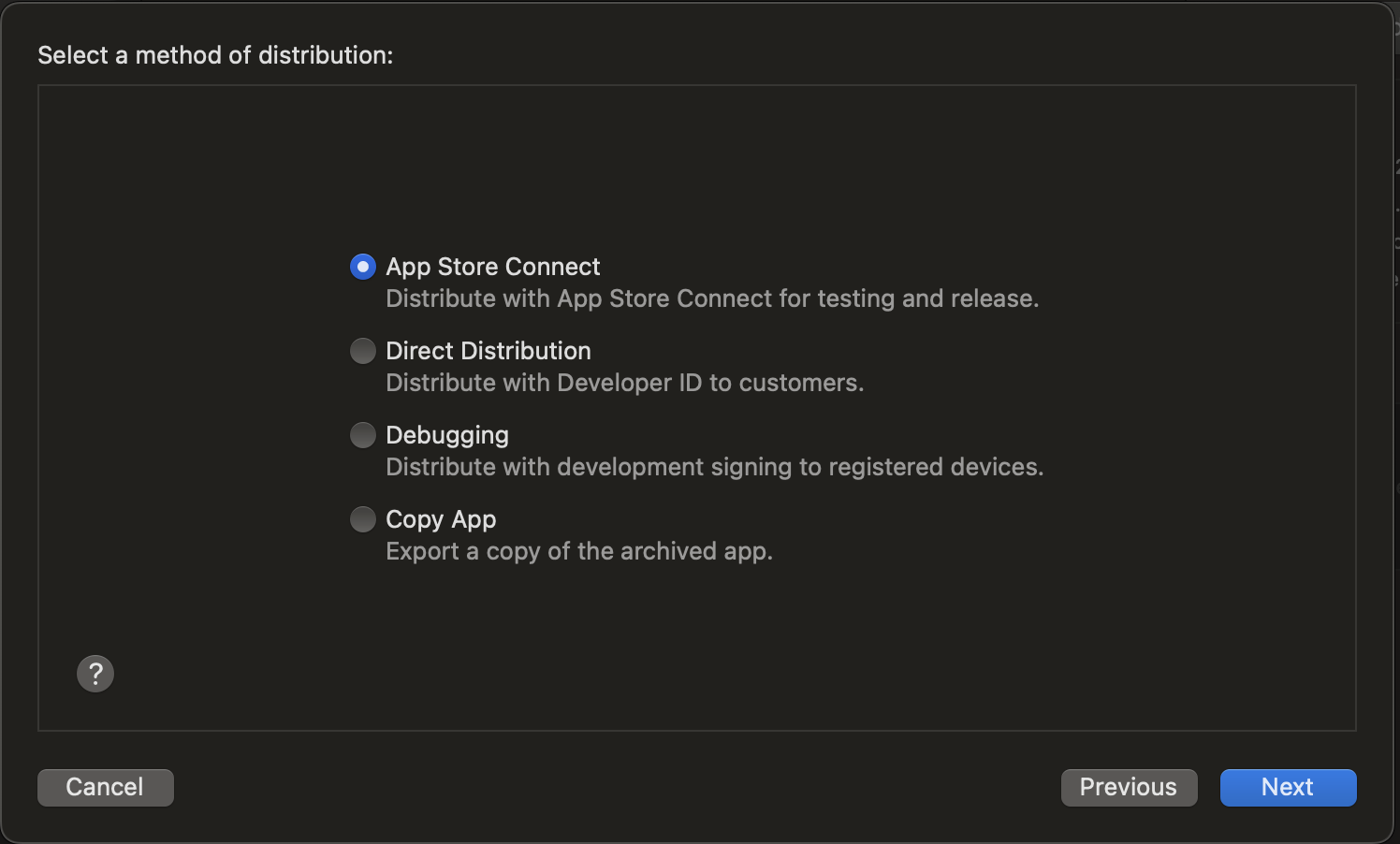
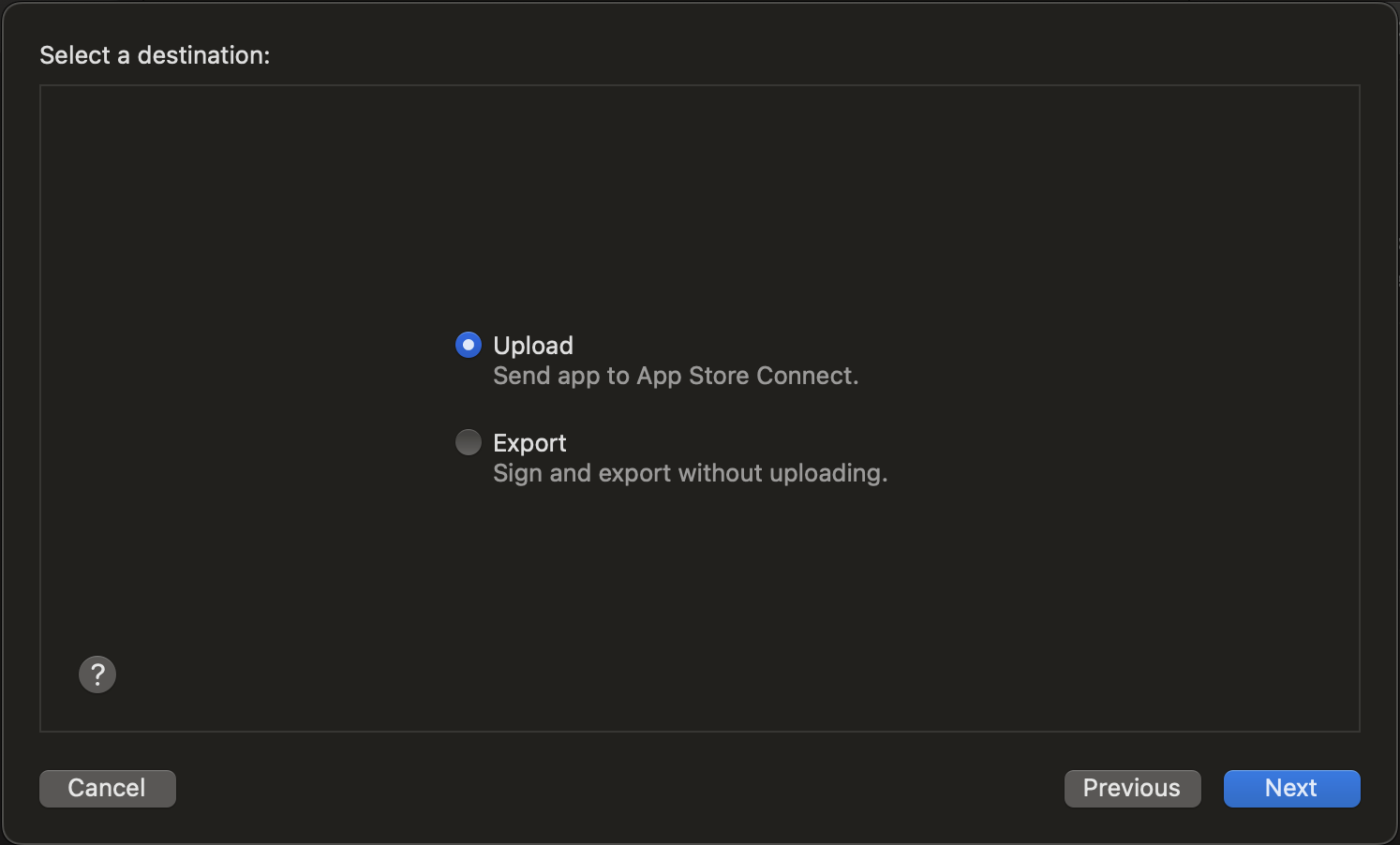
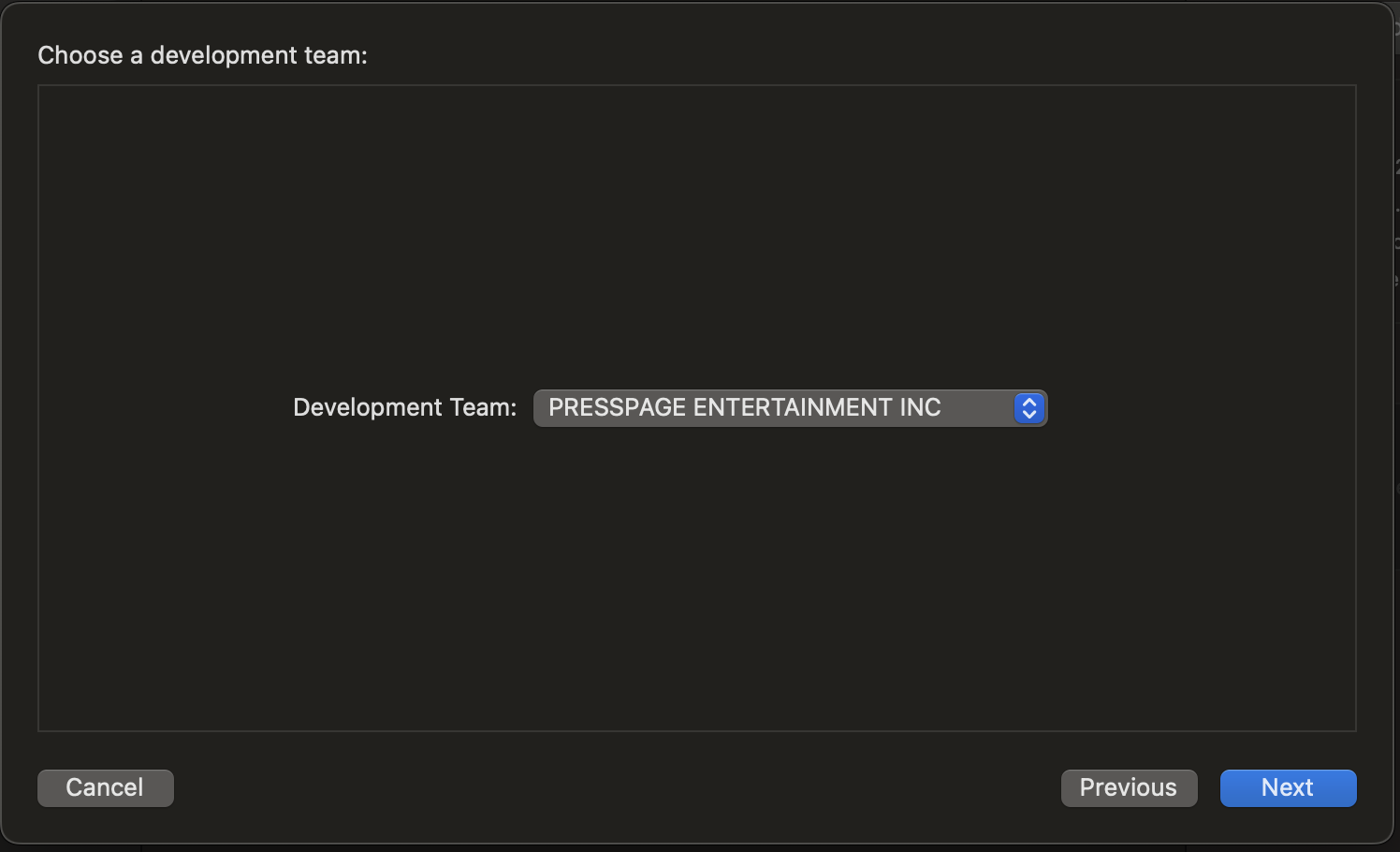
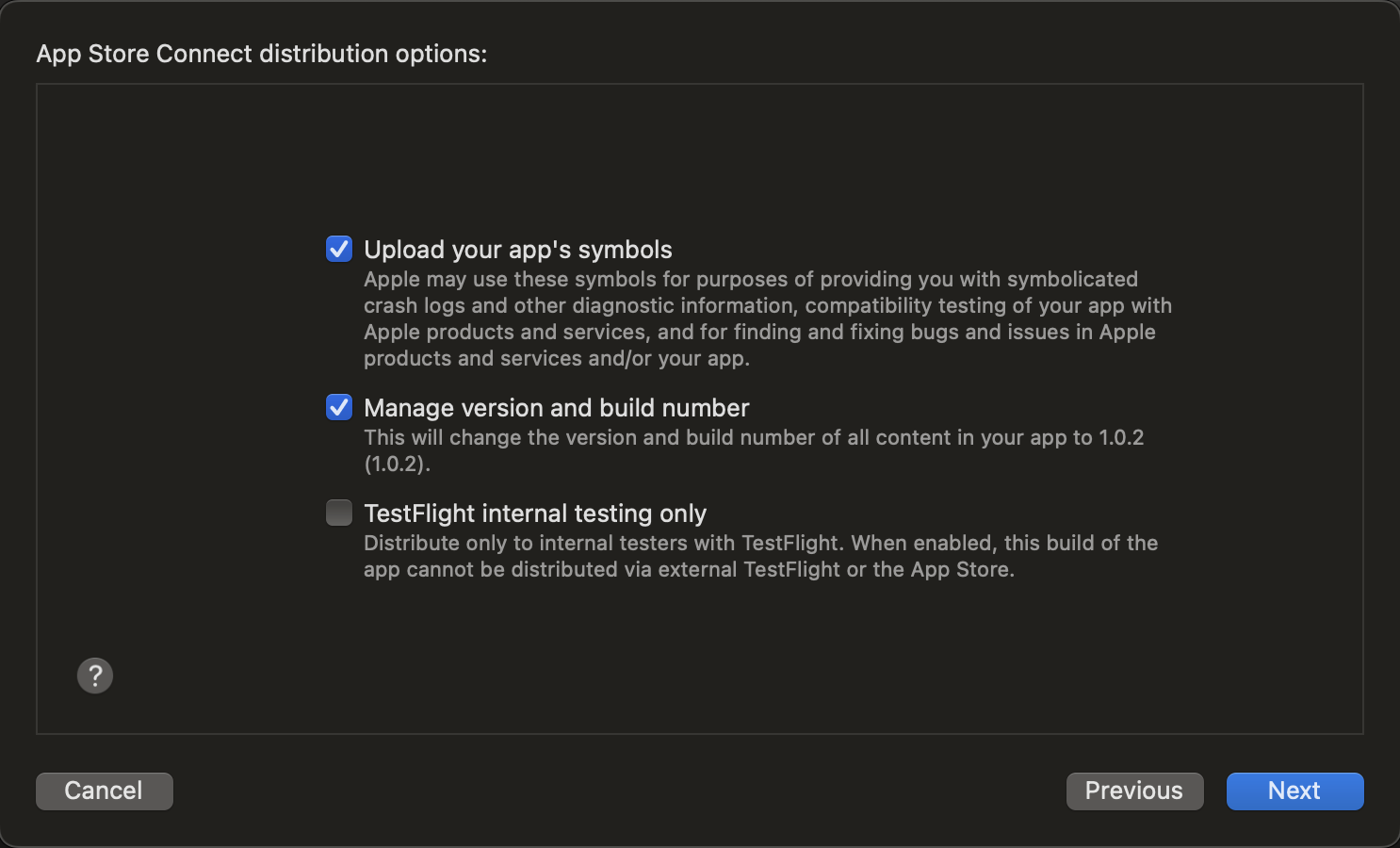
To start the distribution, Archive the Application:
In Xcode, select Product > Archive from the menu bar. This will build and package your application, including the Safari extension.

Releases
- 1.0.3 updated icon and resubmit for App review on August 19, 2025
- 1.0.2 rejected for App review on August 5, 2025 for stock icon
- 1.0.1 not released
- 1.0.0 not released